Why Every Content Producer Needs an AI Thumbnail Creator Today
Summarize content with
The Real ROI of Great Thumbnails
Thumbnails aren’t just decorative - they are your first impression on platforms like YouTube, TikTok, and Instagram. According to multiple studies, 90% of top-performing videos on YouTube use a custom thumbnail. Thumbnails directly impact:
- Click-through rate (CTR)
- Watch time
- Viewer retention
- Overall channel growth
Yet most creators spend hours on content and only minutes on thumbnails. That imbalance is a major growth bottleneck. In fact, even investing just a bit more time (or the right tool) into thumbnail design can 2x or even 3x your video’s performance.
Why Most Thumbnails Underperform (and What to Do)
If your thumbnails aren’t getting clicks, it's probably because you're falling into one or more of these traps:
- Using generic templates that don’t stand out
- Designing by gut feeling instead of data
- Prioritizing speed over strategy
- Lacking A/B testing or visual experimentation
With competition growing fast, especially among YouTubers and podcasters, you need visuals that work as click magnets - not placeholders. So, you don’t just need better design - you need smarter, faster, data-informed design.
How to Use an AI Thumbnail Creator Effectively
Let’s break down what an AI thumbnail creator can actually do for you - using ThumbnailPilot as a real example:
- Instant generation: Upload your title, a few key phrases, or a sketch - and get back a set of strong thumbnails.
- Live YouTube preview: See how your thumbnails will appear on real feeds before publishing.
- AI feedback loop: The tool reviews your image for contrast, legibility, composition, and attention-grabbing elements.
- Team workflow: Get feedback from collaborators, clients, or editors directly in the tool.
Real takeaway: You can go from “zero thumbnail” to “click-optimized visual” in under 3 minutes - with team collaboration built in.
Maintaining Brand Identity with AI Tools
Here’s the biggest myth: AI tools make your thumbnails look generic. In reality, modern AI creators like ThumbnailPilot allow you to:
- Lock in your brand presets: Save your fonts, colors, logo placements, and preferred styles.
- Teach the AI your brand’s style using existing thumbnails.
- Create dozens of branded visuals in one sitting - without compromising consistency.
Let me show you:
In ThumbnailPilot, go to the Style feature. You only need to provide two inputs:
- Your YouTube channel name
- A relevant video title
From this, the AI instantly generates thumbnail designs that match your channel’s established visual identity—saving hours of manual design while keeping your look consistent.
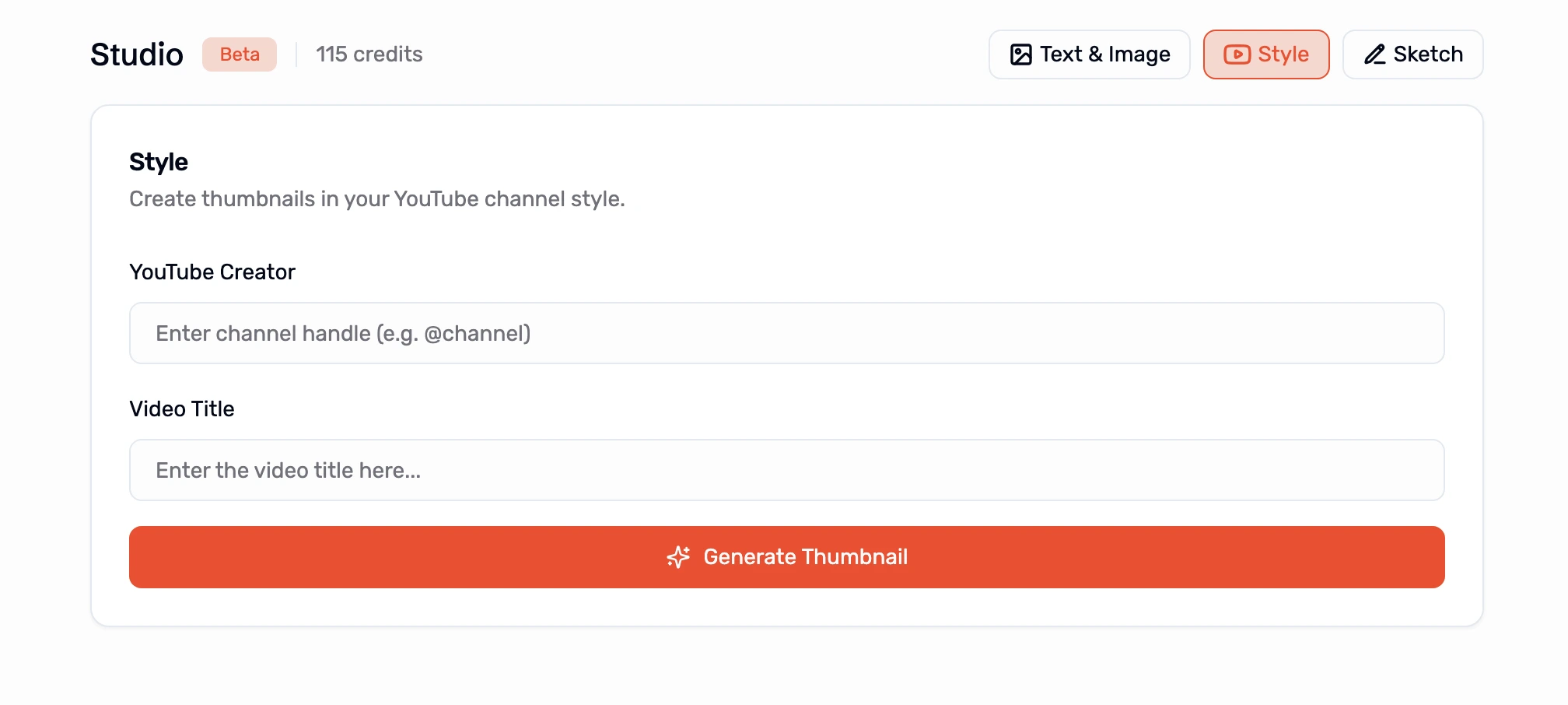
You don’t lose your identity - you scale it, effortlessly.
Takeaways: What to Do Next
Here’s your 5-step action plan to start getting more from your thumbnails:
- Audit your last 10 thumbnails: Are they consistent, clickable, and brand-aligned?
- Measure your current CTR: Use YouTube Studio to find what’s underperforming.
- Try an AI thumbnail tool like ThumbnailPilot to rework a few old thumbnails.
- Test variations: Run A/B tests or refresh visuals on low-performing content.
- Systematize: Save your favorite layouts and brand elements into presets.
✅ Final takeaway: Thumbnails aren’t just part of your content - they are your content’s gateway. And AI can help you unlock the full potential with less time, more consistency, and better results.
💡 Ready to scale smarter?
Adopt AI tools to take thumbnail design from chore… to growth engine.
Share this post

MORE FROM THE BLOG
May 14, 2026 · CONTENT CREATION
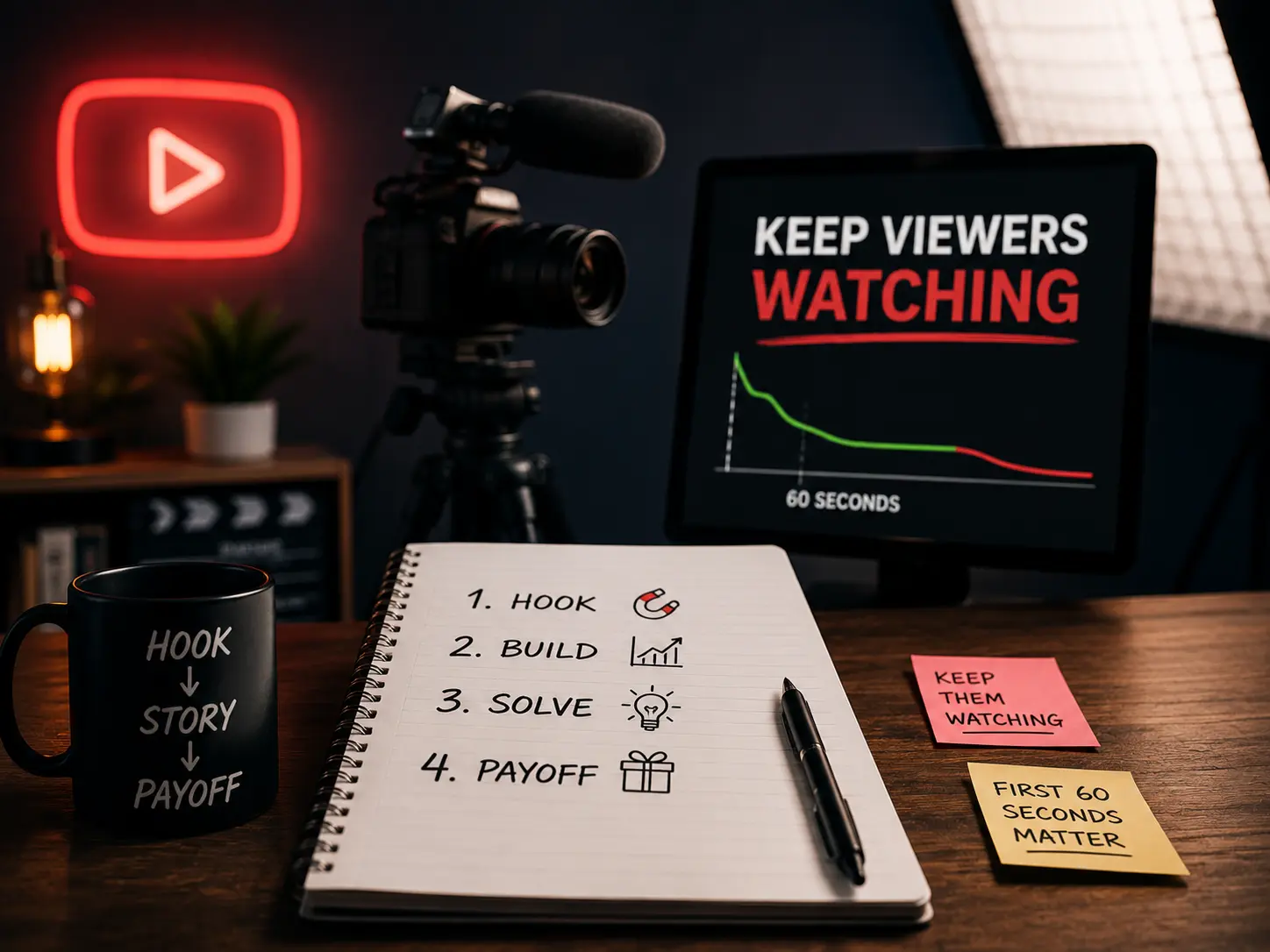
How to write YouTube scripts that keep viewers watching
Most creators write scripts like blog posts. That's why viewers leave in the first 60 seconds. Here's what actually works.

May 3, 2026 · BUSINESS
Why most business owners fail at YouTube
The creator playbook doesn't translate to business results. You're studying the wrong game.

April 19, 2026 · BUSINESS
Why every serious business owner I know is building on YouTube
Paid ads stop working the moment you stop paying. YouTube keeps sending leads while you sleep. Here's the math that changes how you think about content.
April 8, 2026 · YOUTUBE
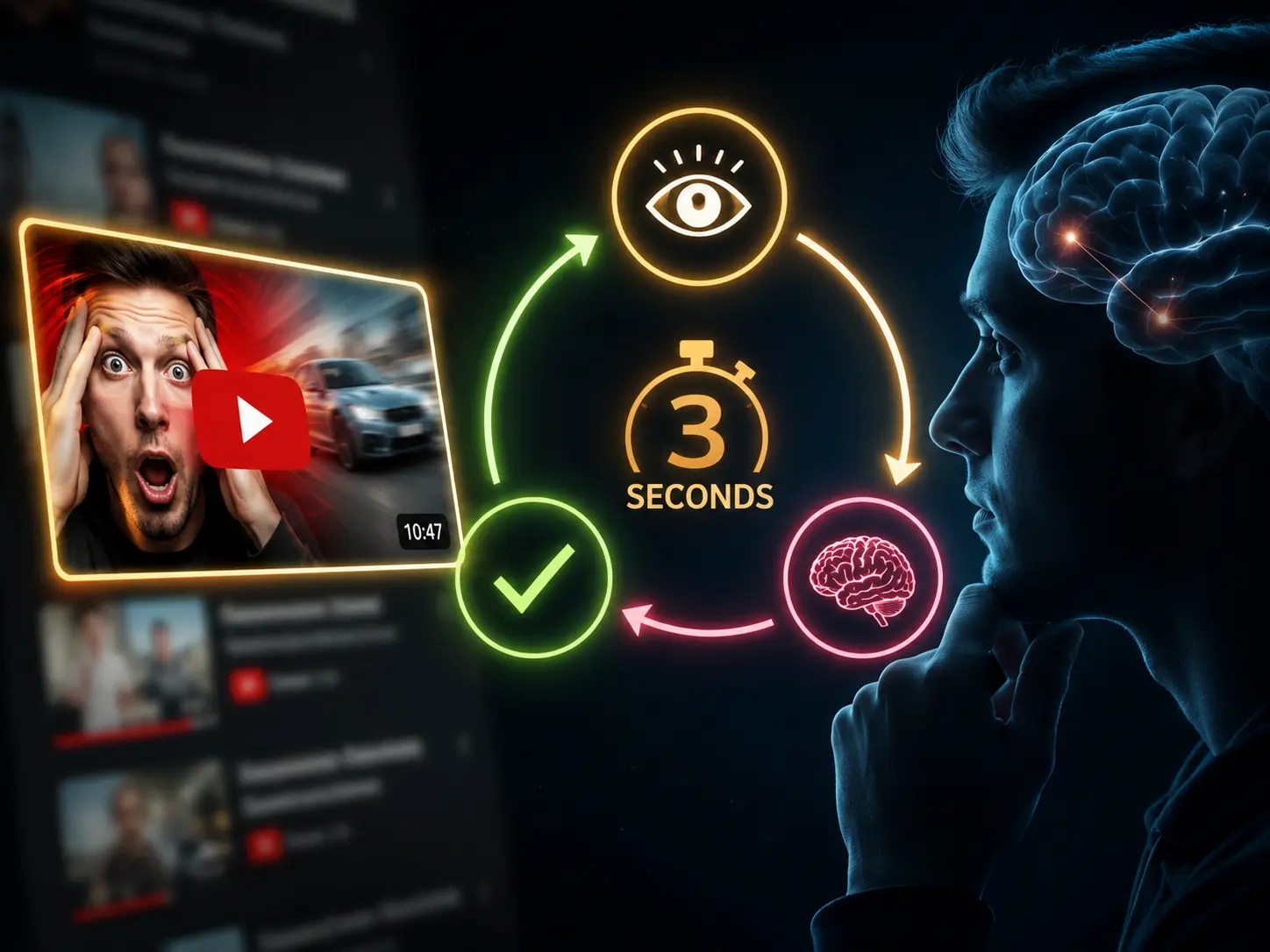
The 3-second psychology loop behind every YouTube click
Every viewer runs through the same decision before clicking. If any step fails, they scroll past. Here's how to make sure all 3 pass.
August 20, 2025 · DESIGN
How to AI Face Swap Yourself on Any Thumbnail
A complete step-by-step guide to AI face swapping yourself on any thumbnail using Thumbnail Studio
August 15, 2025 · DESIGN
How to Face Swap in Photoshop
Master professional face swapping techniques using Adobe Photoshop's powerful tools