Top AI Tools for Thumbnail Designers
Summarize content with
Creating good thumbnails isn’t just a nice bonus — it’s a must. If you're a content creator, designer, or someone managing YouTube content, you already know how much a thumbnail can affect your video’s success. The rise of AI tools has completely changed the game, giving creators the ability to make high-level designs in seconds. Let’s explore these top tools and why this matters more than ever.
Why Thumbnails Matter More Than Ever
As creators scale up, they face more demands: more uploads, more consistency, and more competition. That pressure often leads to shortcuts — and thumbnails are one of the first places quality starts to slip.
A weak thumbnail can cost views. If your audience doesn’t click, your video doesn’t grow.
Many creators get stuck here. They're either spending too much time designing, or they’re stuck with basic, low-performing thumbnails. In today's fast-moving YouTube world, that's a risk you can't afford.
Luckily, a new wave of AI tools is stepping in to help.
Common Struggles with Thumbnail Design
Creating great thumbnails isn’t easy. It's time-consuming, requires design skills, and can be frustrating. Here are some common struggles people face when making thumbnails:
- Design tools are complex: Photoshop and Canva take time to learn.
- Branding Looks Messy: If every thumbnail looks different, it can confuse the audience.
- Takes Too Long: It can take an hour or more to create a single thumbnail.
- Not Sure What Works: It is difficult to know what will attract attention.
- Estimation of games: You can spend hours on a thumbnail that does not work.
How AI Simplifies Thumbnails Designing Workflow
Creating eye-catching thumbnails shouldn't feel like a struggle. With the right tools built specifically for creators, designing high-performing thumbnails becomes much easier and more effective. Here's a quick look at how general AI tools compare to purpose-built platforms for thumbnail design.
Currently, we have a few platforms that provide this kind of service. Let me first clue you in:
- ChatGPT
- ThumbnailPilot
- Others...
While ChatGPT has a solid reputation for being good AI, it doesn't offer the tools thumbnail designers need to maintain a smooth and effortless workflow.
That's where ThumbnailPilot comes in. It’s a platform designed specifically for YouTube Content Creators. It combines intelligent design with creator-specific tools to help you create high-performing thumbnails fast.
Okay, now for clarity, let's compare ChatGPT and ThumbnailPilot:
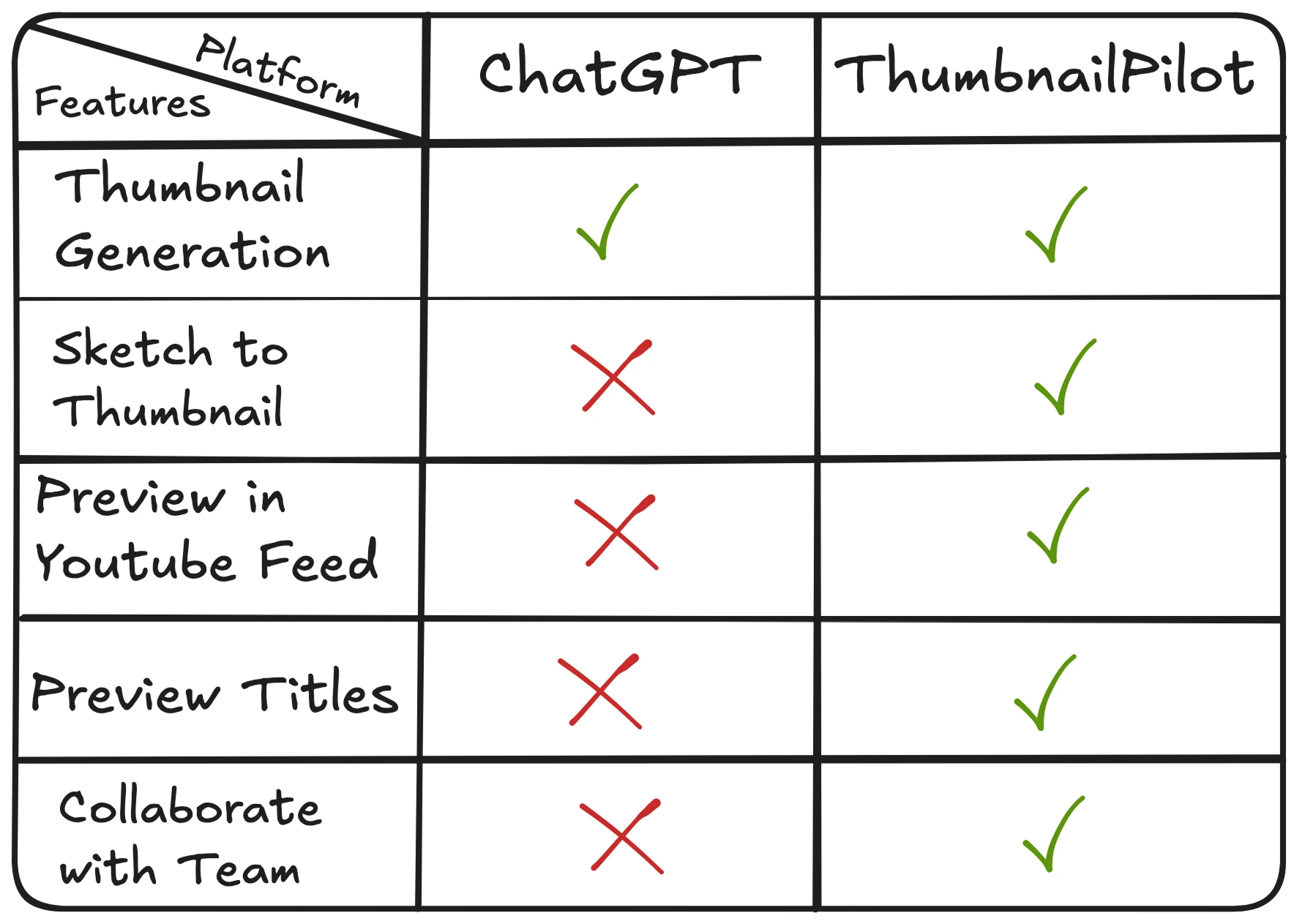
As you can see, ChatGPT falls behind when it comes to helping thumbnail artists.
While both platforms enable thumbnail generation, here are the key features that set ThumbnailPilot apart:
- Sketch to Thumbnail:
- Preview in Youtube Feed:
- Preview Titles:
- Collaborate with Team:
- Thumbnail Preview: See a live preview of your thumbnail before publishing.
- Thumbnail Downloader: Easily download thumbnails for analysis or inspiration.
- Chrome Extension: Access ThumbnailPilot tools directly from your browser for a seamless experience.
Conclusion
Designing thumbnails no longer has to be the bottleneck. With tools like ThumbnailPilot creators can now produce better results in less time — and at a fraction of the cost.
Whether you’re just starting or running a growing channel, don’t let weak thumbnails hold you back. Leverage AI tools to stay ahead of trends, and make every click count.
Share this post

MORE FROM THE BLOG
May 14, 2026 · CONTENT CREATION
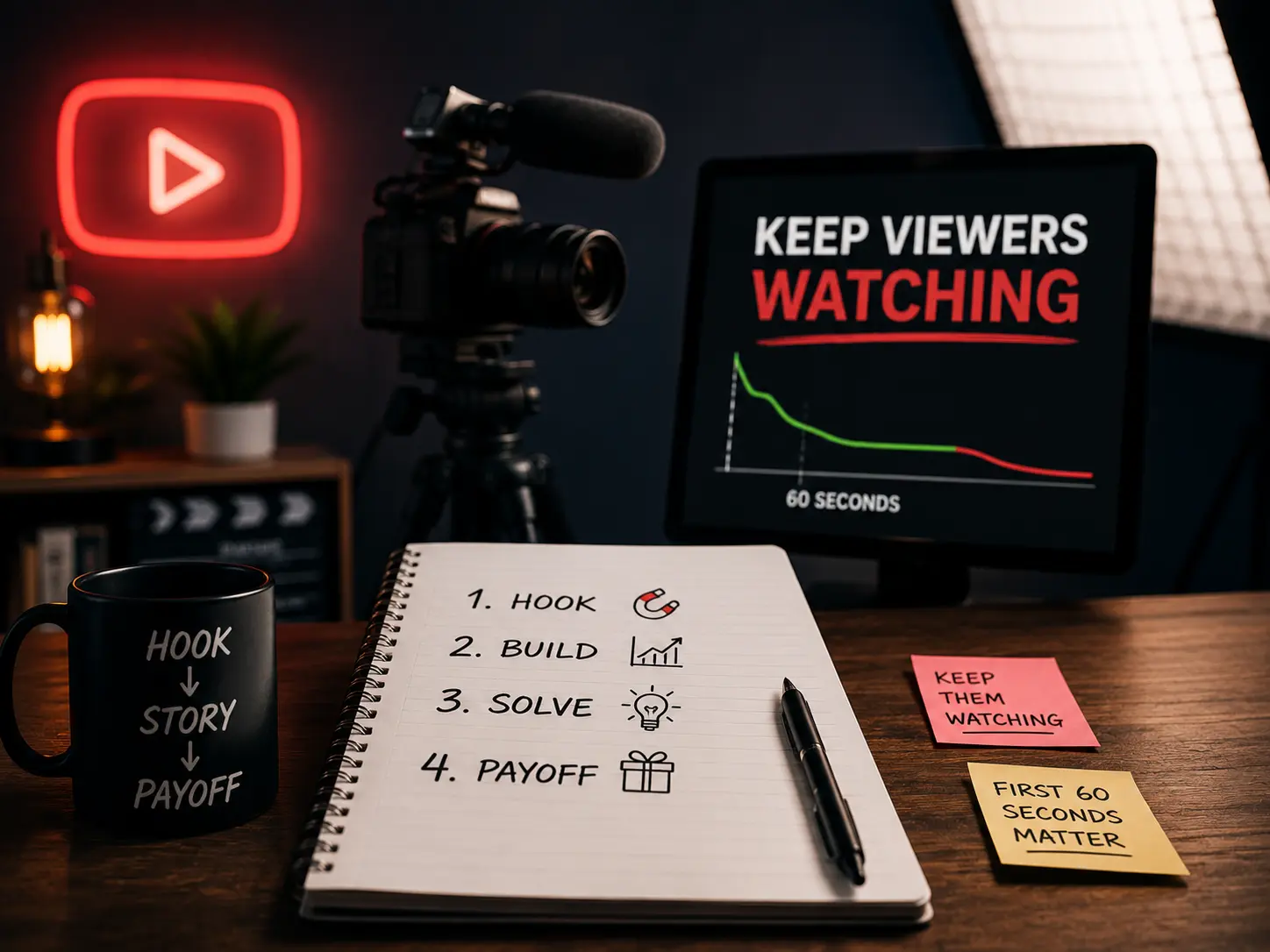
How to write YouTube scripts that keep viewers watching
Most creators write scripts like blog posts. That's why viewers leave in the first 60 seconds. Here's what actually works.

May 3, 2026 · BUSINESS
Why most business owners fail at YouTube
The creator playbook doesn't translate to business results. You're studying the wrong game.

April 19, 2026 · BUSINESS
Why every serious business owner I know is building on YouTube
Paid ads stop working the moment you stop paying. YouTube keeps sending leads while you sleep. Here's the math that changes how you think about content.
April 8, 2026 · YOUTUBE
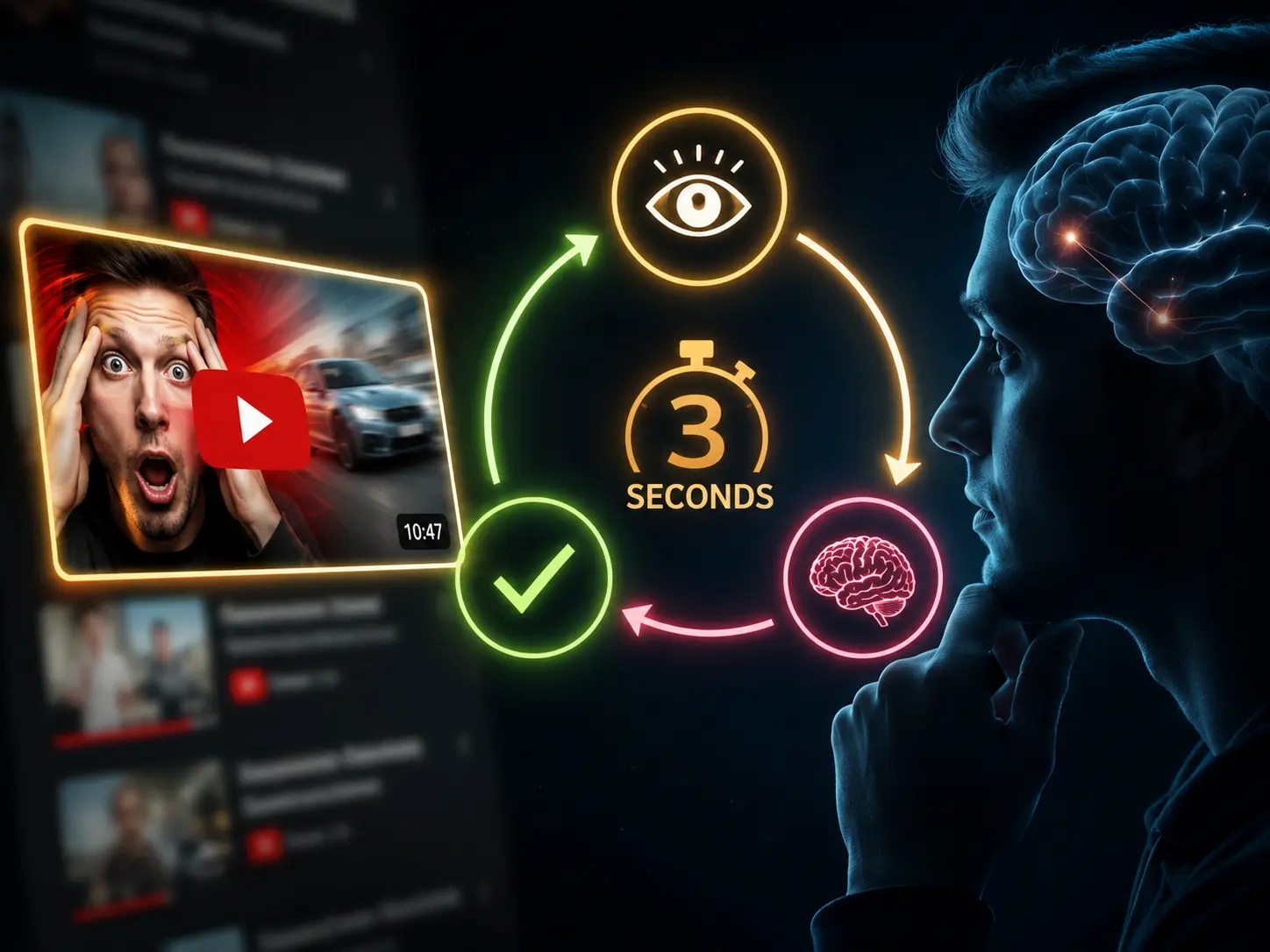
The 3-second psychology loop behind every YouTube click
Every viewer runs through the same decision before clicking. If any step fails, they scroll past. Here's how to make sure all 3 pass.
August 20, 2025 · DESIGN
How to AI Face Swap Yourself on Any Thumbnail
A complete step-by-step guide to AI face swapping yourself on any thumbnail using Thumbnail Studio
August 15, 2025 · DESIGN
How to Face Swap in Photoshop
Master professional face swapping techniques using Adobe Photoshop's powerful tools