Best YouTube Thumbnail Fonts
Summarize content with
YouTube thumbnails are the first thing viewers see when they come across your video. They play a crucial role in whether people click to watch your content or not. A well-designed thumbnail can make your video stand out and increase your CTR (Click-Through Rate).
One of the key elements of a good thumbnail is the font you use. The right font can make your thumbnail more engaging and help convey your message effectively. In this article, we'll take a look at some of the best YouTube thumbnail fonts used by top creators.
Why Fonts Matter in YouTube Thumbnails
Fonts are an essential part of design and branding. They help convey the tone and message of your content and can make your thumbnail more visually appealing. The right font can help your thumbnail stand out and grab the viewer's attention.
When choosing a font for your YouTube thumbnail, consider the following:
- Readability: Make sure the font is easy to read, even at a small size.
- Consistency: Use the same font across all your thumbnails to create a cohesive look.
- Personality: Choose a font that reflects the tone and style of your content.
- Legibility: Avoid overly decorative or complex fonts that may be hard to read.
- Contrast: Make sure the font stands out against the background and is easy to read.
Best YouTube Thumbnail Fonts
Here are some of the most common thumbnail fonts used by top YouTube creators:
We attached the download links for each font from Google Fonts for your convenience.
- Fjalla One
- Signika Negative
- Maven Pro
- Gupter
- Andada Pro
- Jaldi
- Antic
- Burbank (Not available on Google Fonts)
How to Choose the Right Font for Your Thumbnails
When choosing a font for your YouTube thumbnails, consider the following factors:
- Brand Identity: Choose a font that aligns with your brand's identity and style. For example, if you have a fun and playful brand, you might choose a more whimsical font.
- Readability: Make sure the font is easy to read, even at a small size. Avoid overly decorative or complex fonts that may be hard to read.
- Contrast: Ensure the font stands out against the background and is easy to read.
- Consistency: Use the same font across all your thumbnails to create a cohesive look.
- Legibility: Avoid using fonts that are too thin or light, as they may be hard to read.
Start Using ThumbnailPilot Today
If you want to take your YouTube thumbnails to the next level, consider using ThumbnailPilot. Our platform allows you to preview, test, and optimize your thumbnails for maximum engagement. Start using ThumbnailPilot today and see the difference it can make!
Sign up for ThumbnailPilot and increase your video CTR. We can't wait to see the amazing thumbnails you create!
Share this post

MORE FROM THE BLOG
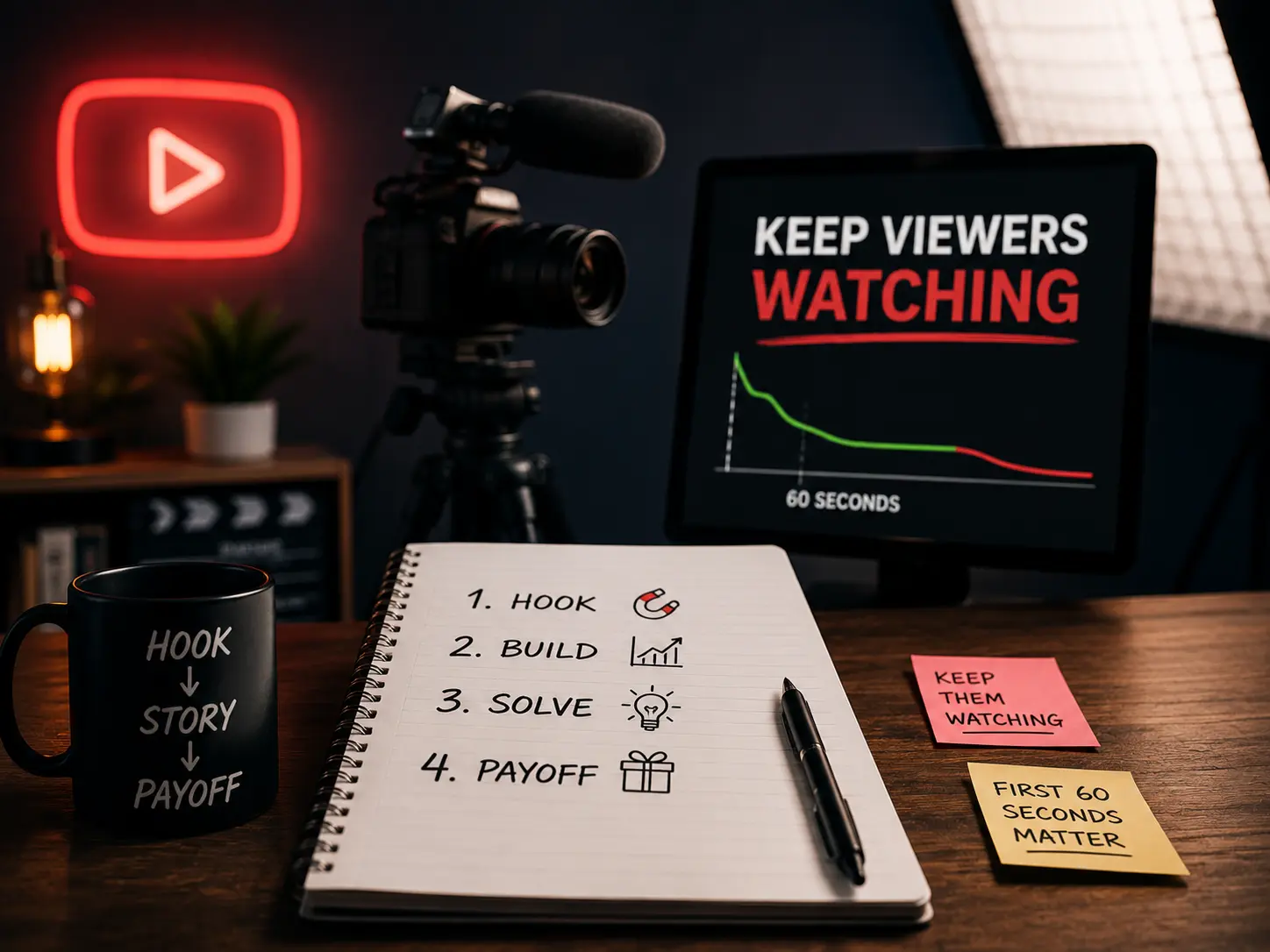
May 14, 2026 · CONTENT CREATION
How to write YouTube scripts that keep viewers watching
Most creators write scripts like blog posts. That's why viewers leave in the first 60 seconds. Here's what actually works.

May 3, 2026 · BUSINESS
Why most business owners fail at YouTube
The creator playbook doesn't translate to business results. You're studying the wrong game.

April 19, 2026 · BUSINESS
Why every serious business owner I know is building on YouTube
Paid ads stop working the moment you stop paying. YouTube keeps sending leads while you sleep. Here's the math that changes how you think about content.
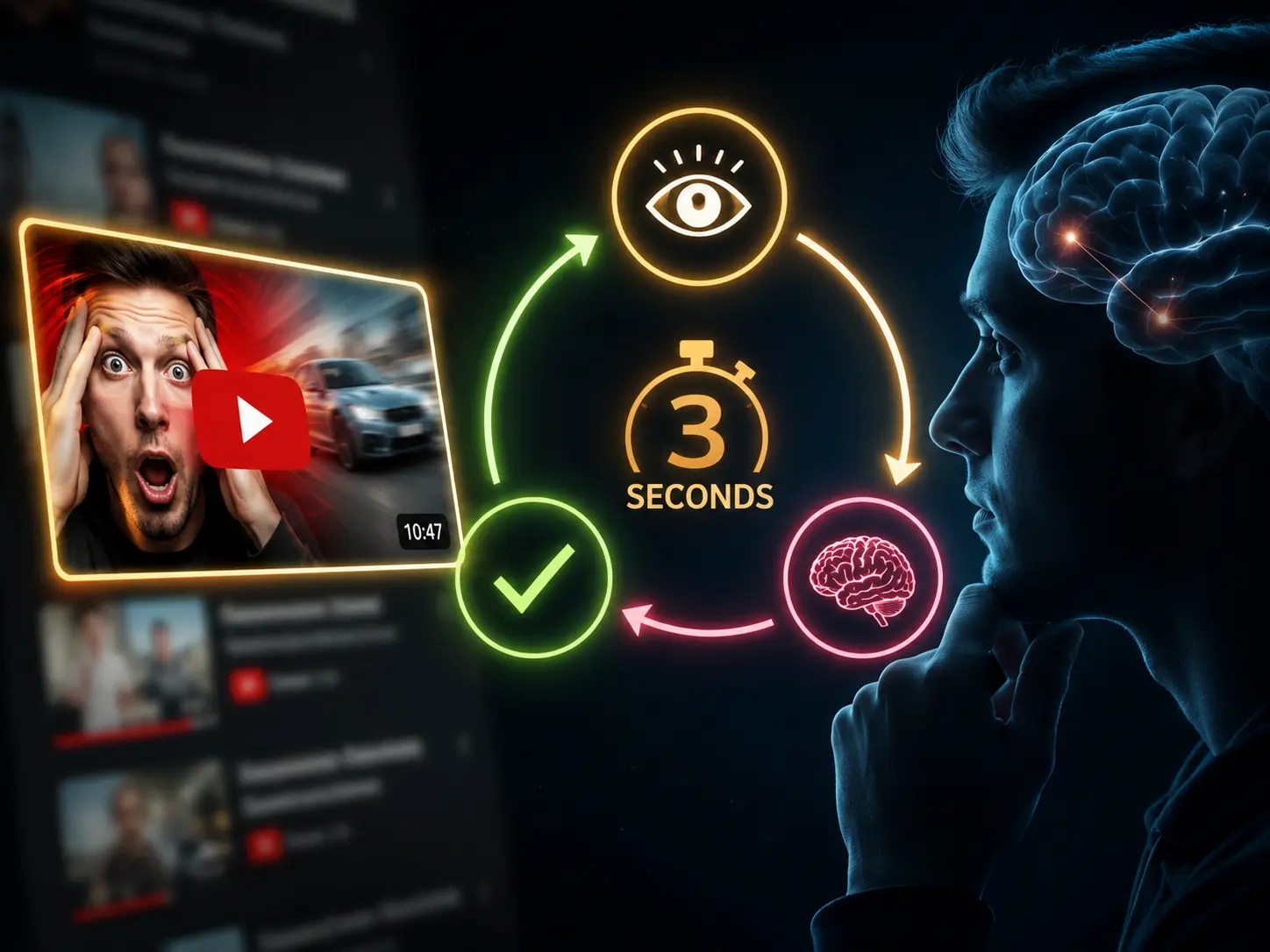
April 8, 2026 · YOUTUBE
The 3-second psychology loop behind every YouTube click
Every viewer runs through the same decision before clicking. If any step fails, they scroll past. Here's how to make sure all 3 pass.
August 20, 2025 · DESIGN
How to AI Face Swap Yourself on Any Thumbnail
A complete step-by-step guide to AI face swapping yourself on any thumbnail using Thumbnail Studio
August 15, 2025 · DESIGN
How to Face Swap in Photoshop
Master professional face swapping techniques using Adobe Photoshop's powerful tools